

Video calls have become a normal part of work, study, and daily communication. Whether you’re joining a business meeting, attending an online class, or having a virtual catch-up, the camera can sometimes make your face look dull or flat. That’s why a simple, well-placed makeup routine can instantly boost your confidence and make you appear fresh, awake, and professional.
The best part? You don’t need full glam or heavy products. With the right lighting tricks, quick skin prep, and small enhancements, you can create a look that translates beautifully on screen. Here are 12 easy makeup tips for video calls, each designed to help you look polished in just a few minutes.
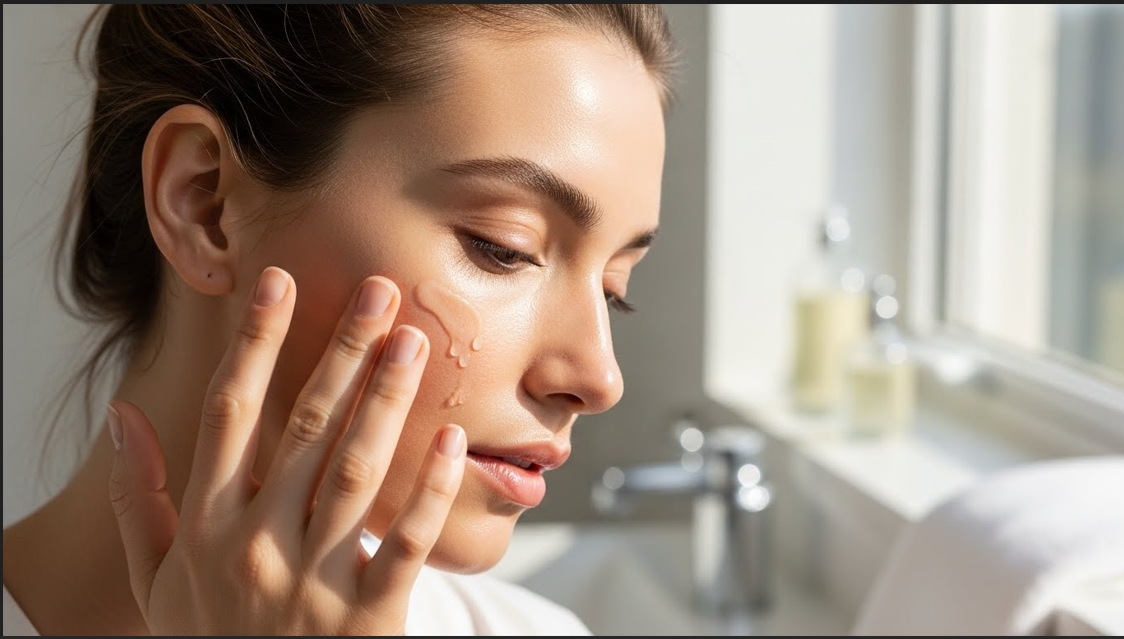
1. Start with Hydrated, Prepped Skin
Hydrated skin reflects light better on camera and helps makeup sit smoothly. Use a lightweight moisturizer and a radiant primer.
2. Choose a Natural, Light Base
A heavy foundation can look cakey on camera. Instead, use a skin tint or medium coverage foundation for a natural finish.

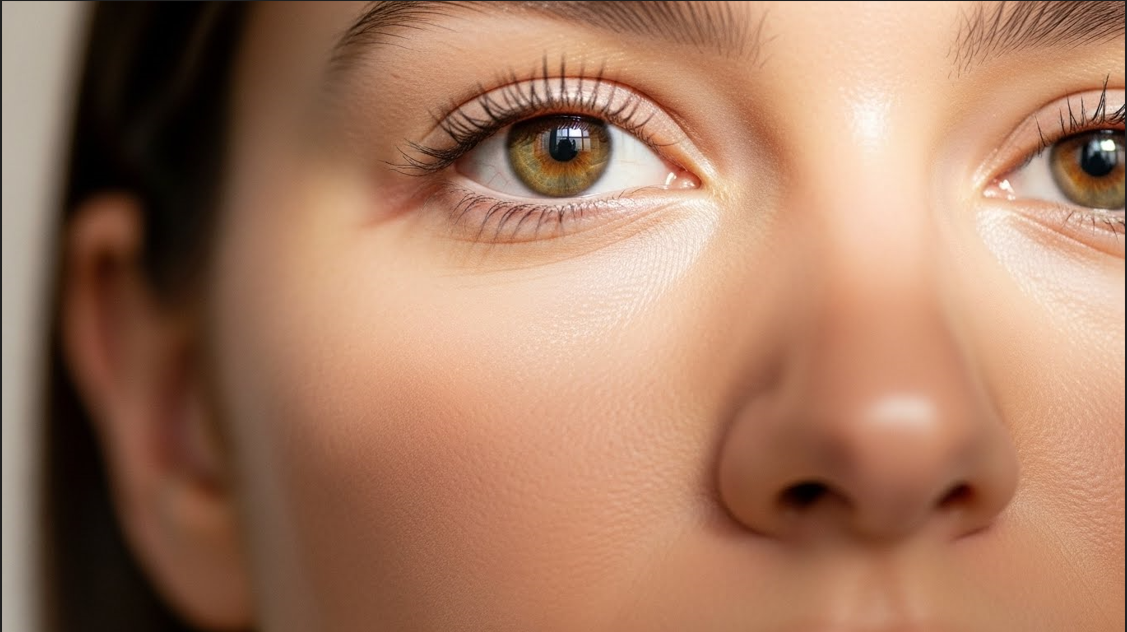
3. Brighten Under-Eyes with Concealer
Dark circles appear stronger on video. Apply a creamy concealer that lifts and brightens the under-eye without looking dry.
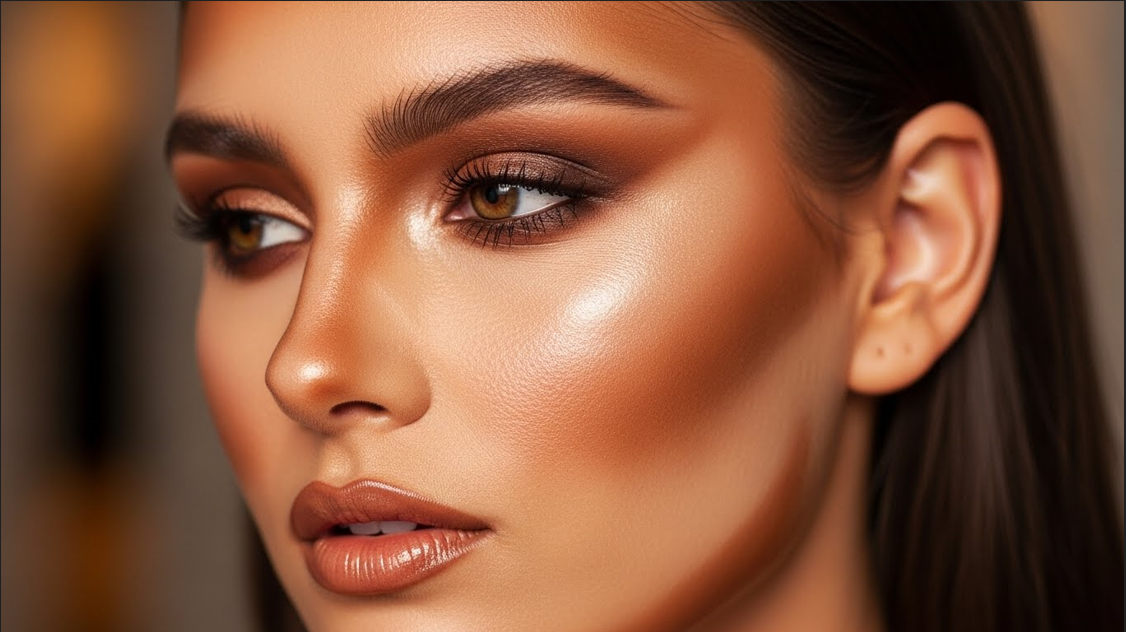
4. Add Warmth with Soft Bronzer
Cameras can wash out your skin tone. A light bronzer instantly adds warmth and dimension to your face.
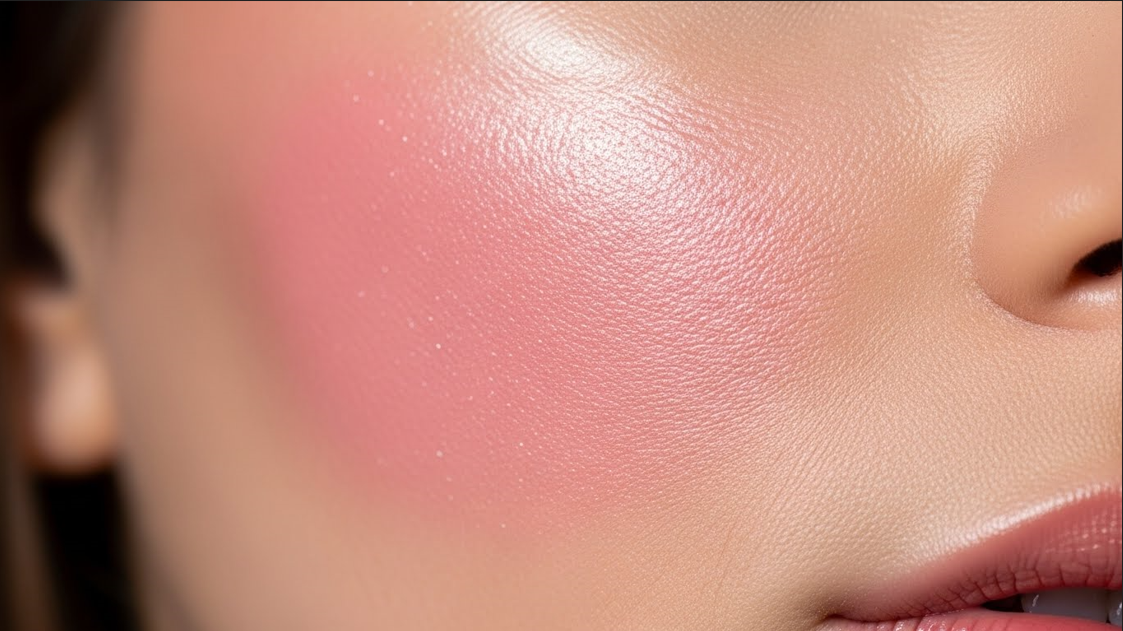
5. Use Cream Blush for a Fresh Look
Cream blush looks more natural and camera-friendly than powder. Choose rosy or peachy shades for a lively glow.
6. Define Brows for a Lifted Frame
Brows shape your entire face on camera. Keep them brushed up and lightly filled for a clean, lifted look.
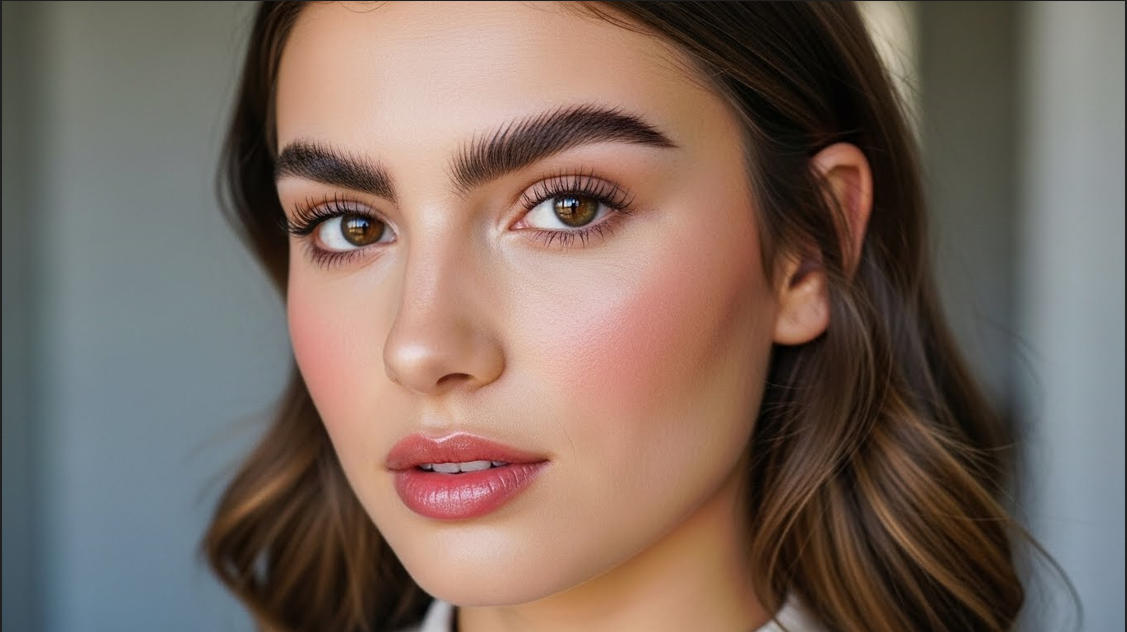
7. Apply Neutral Eyeshadows
Stick to soft browns, peaches, or taupes. They enhance your eyes without looking too glam for professional calls.
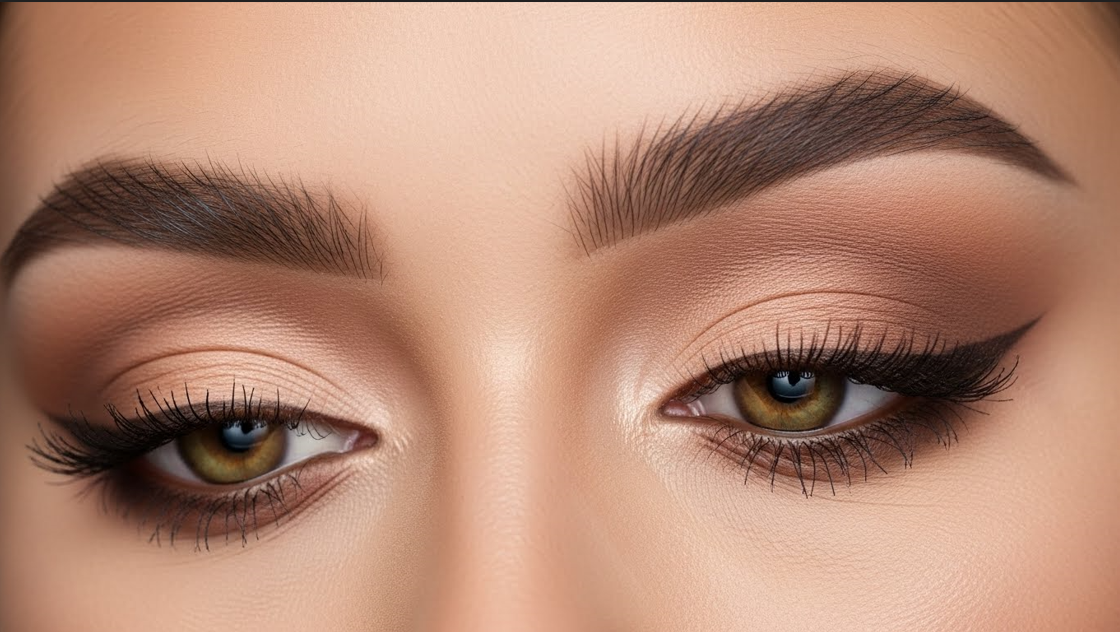
8. Curl Lashes + Add Mascara
Opening up your eyes makes you look awake. A good curl + mascara combo creates instant definition.
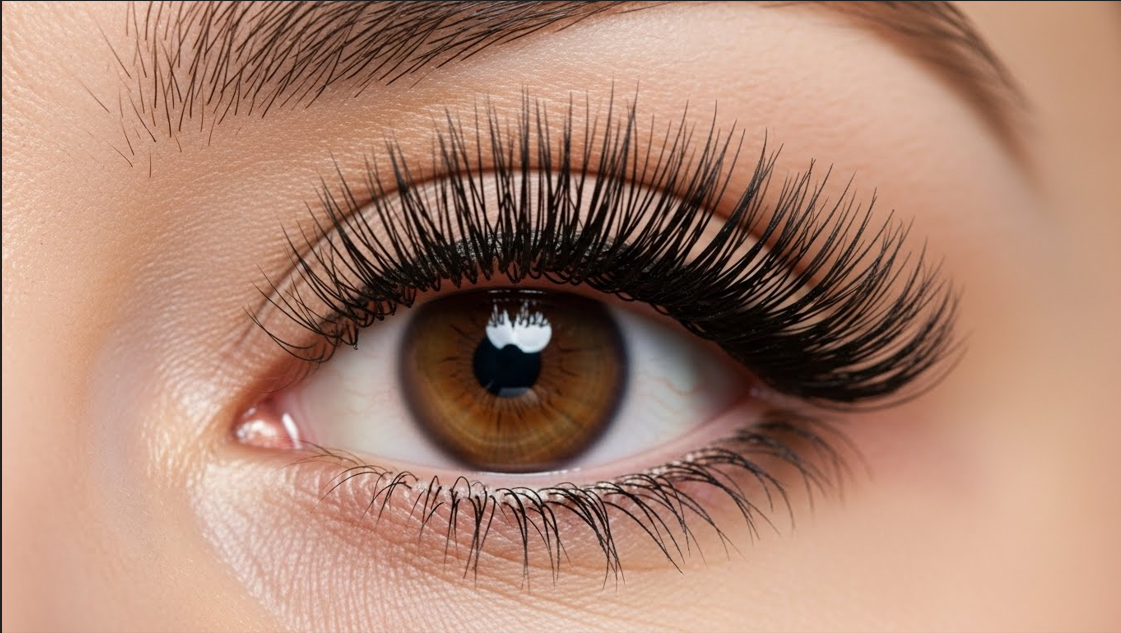
9. Add Subtle Eyeliner for Definition
A tight-line or soft brown liner adds shape without being dramatic. Perfect for a polished but natural appearance.
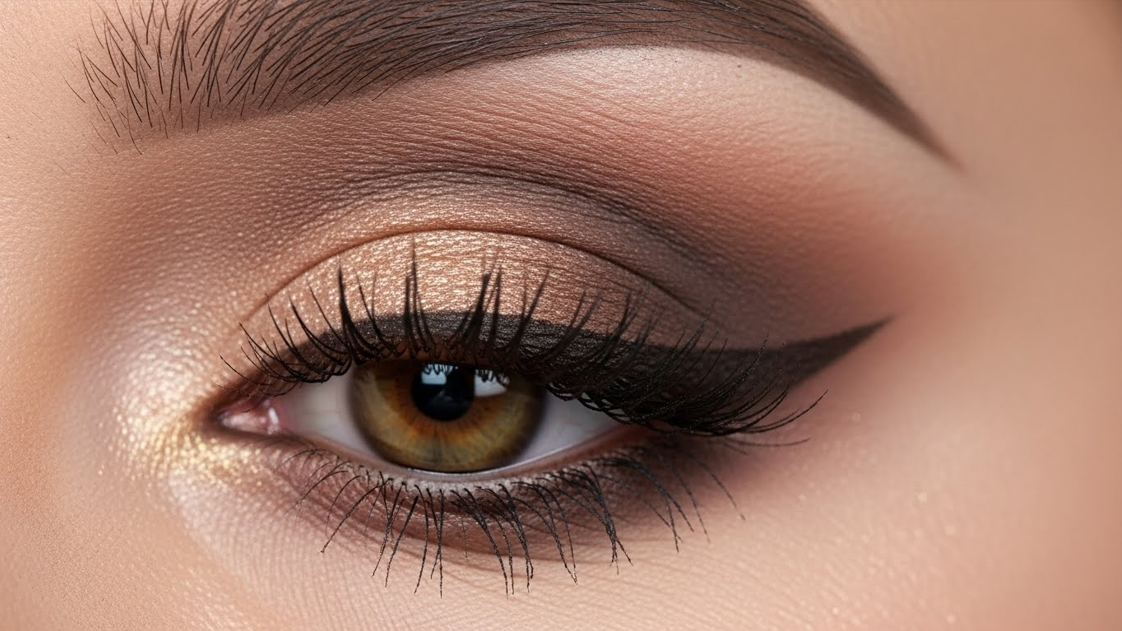
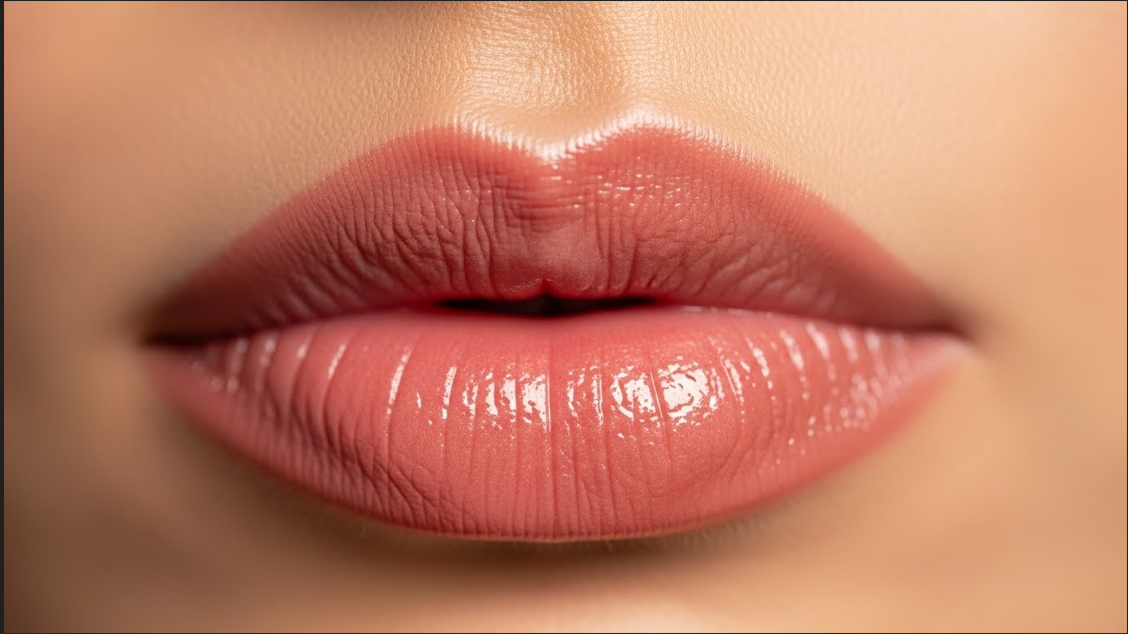
10. Choose Comfortable Lip Colors
Glossy or creamy lip products look the best on camera. Go for peach, rose, or nude tones.
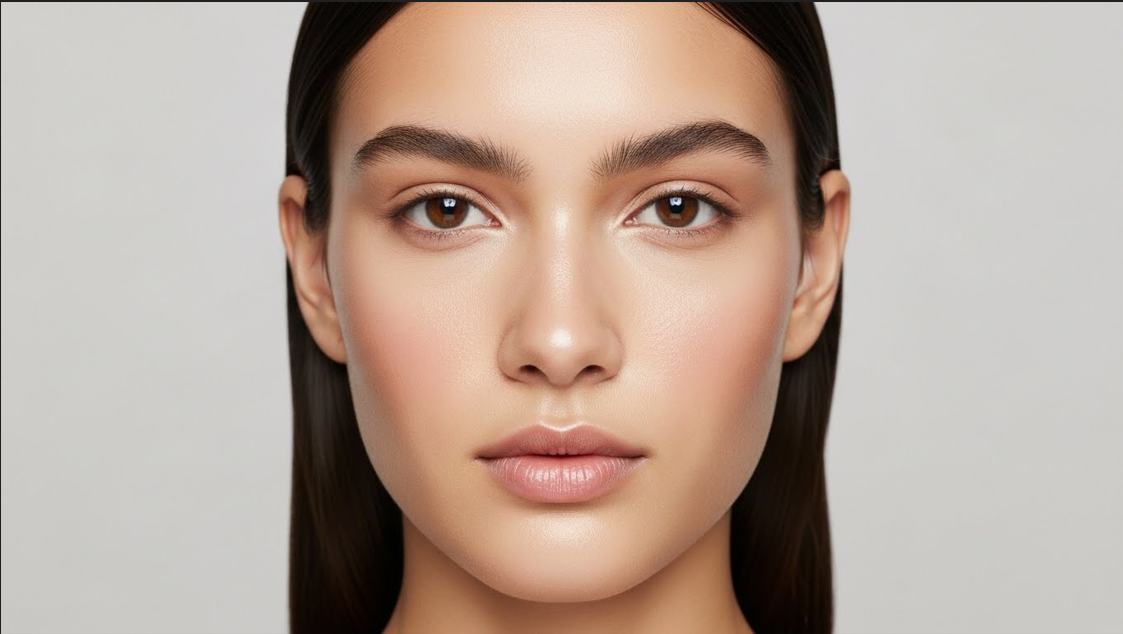
11. Set Only Where Needed
Instead of mattifying everything, just set oily areas like the T-zone. This keeps skin glowing but not shiny.
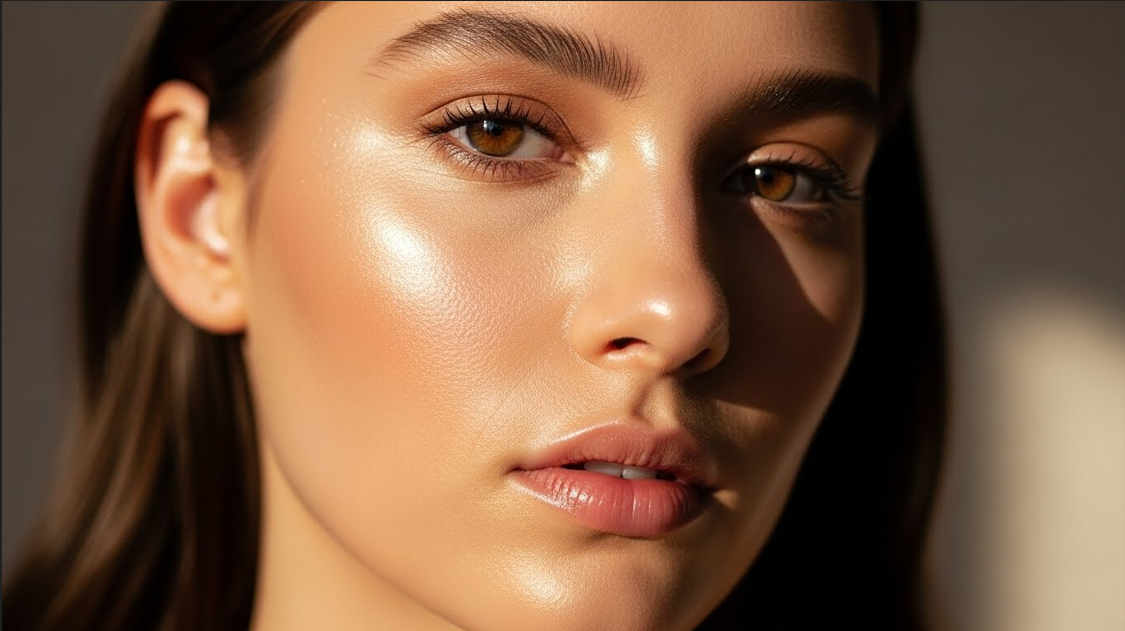
12. Add Soft Glow with Highlighter
A subtle highlight on the cheekbones brightens your face on video calls without looking glittery.
Conclusion
Makeup for video calls doesn’t need to be heavy or time-consuming. With small adjustments—like brightening, defining eyes, and adding a healthy glow—you can look instantly refreshed and confident on screen. These simple steps help you appear professional and polished whether it’s a meeting, interview, or online class. The goal is not perfection; it’s to feel your best while looking naturally radiant.